Change the default column width in macOS Finder
A handy trick to improve usability of the macOS Finder when using Columns view.
When working with Finder in macOS, I generally use Columns view since it allows for easy navigation through a deep directory structure while maintaining some sort of “breadcrumb”.
When dealing with lengthy folder- or filenames however, it is often needed to expand the column width for every column to see the directory contents in detail. By default, the width of the columns is reverted back to its original state when opening a new Finder window.
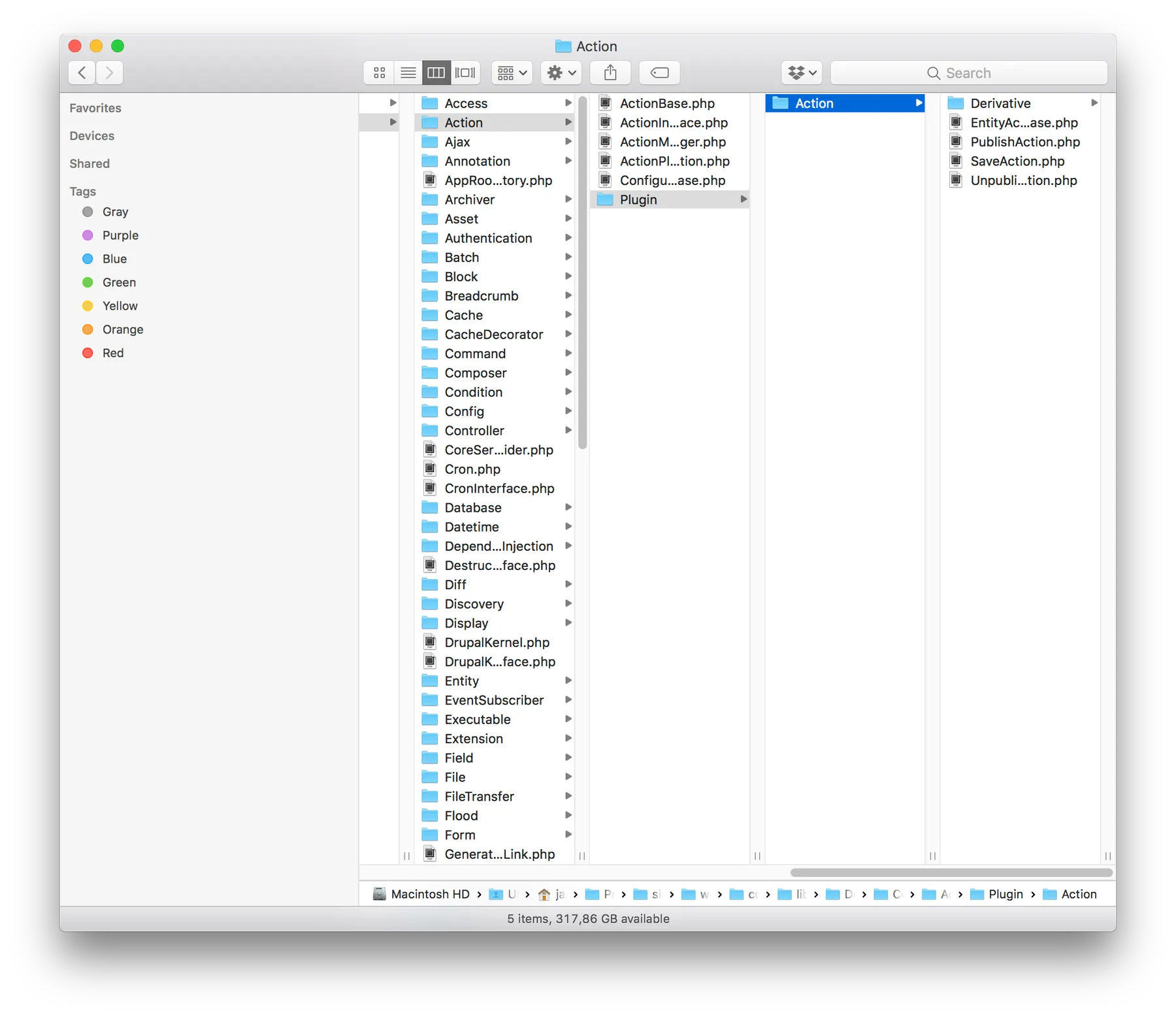
It appears that if you resize a column (by dragging) while pressing the Option key (⌥), Finder remembers your preference and maintains that width as a default. Very handy!
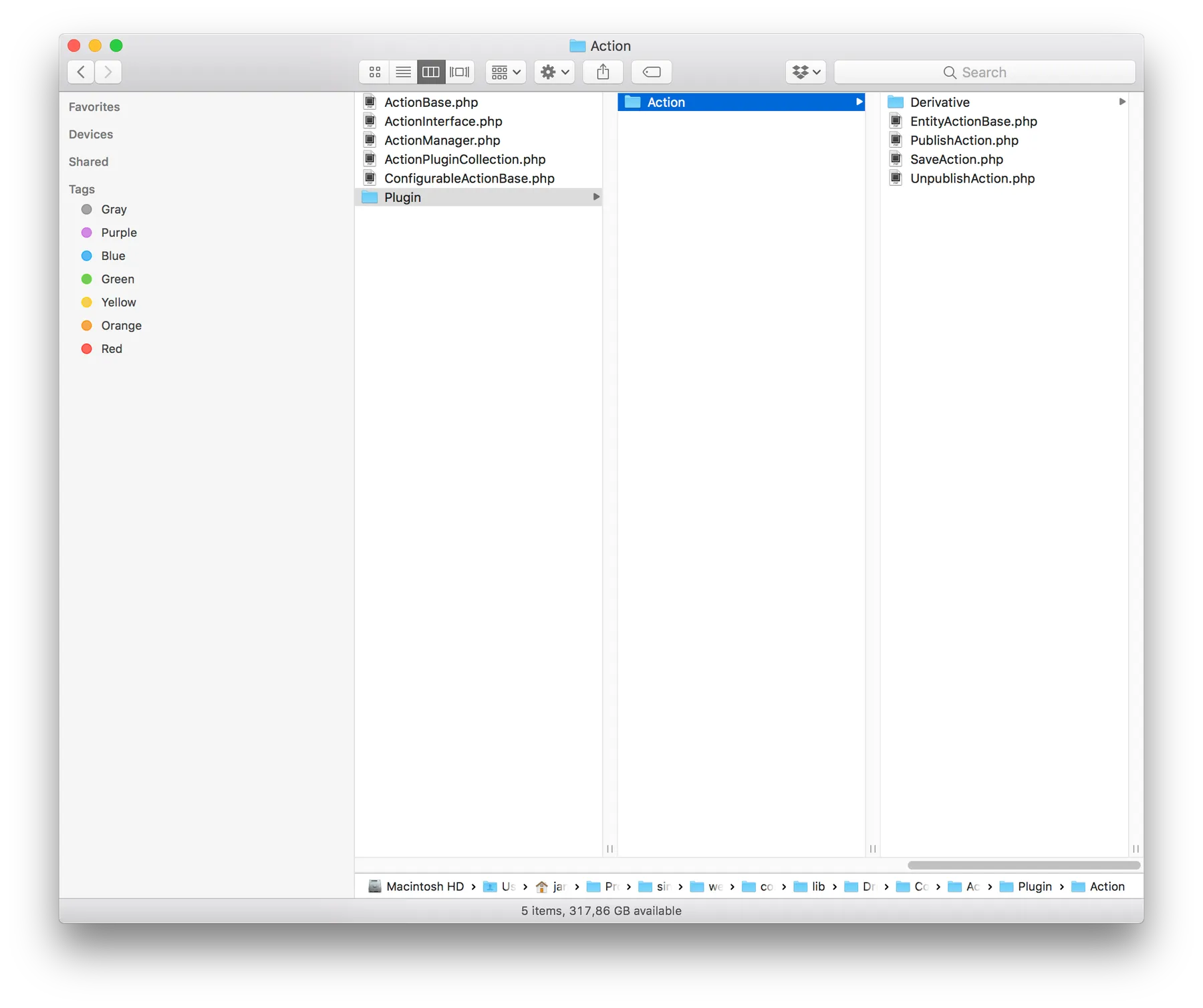
Source: http://osxdaily.com/2010/03/25/setting-the-default-column-size-in-mac-os-x-finder-windows/